Top 3 Fathom vs Fireflies Alternatives 2026
Finding conversation intelligence software that links meeting recordings, context, and follow-up, without losing context between stages, is harder than it should be. Some tools gate key features behind paid tiers or force sellers to stitch summaries and context across disconnected workspaces, so context slips. This list lines up core features, integrations, and pricing across three alternatives, so sales leaders can pick one that fits their workflow without sacrificing deal memory.
Table of Contents
TrailerCast
At a Glance
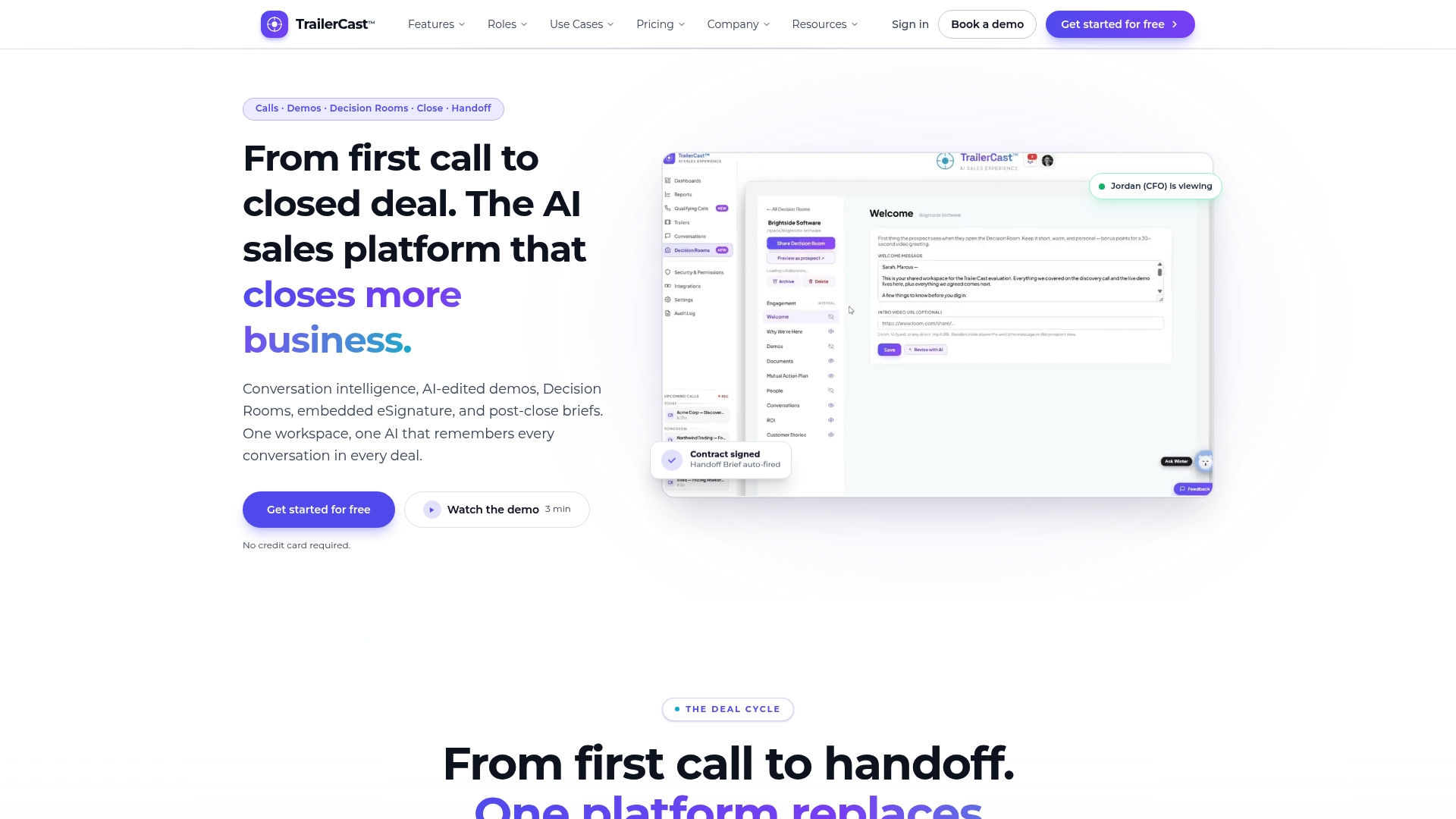
TrailerCast auto-fires an AI handoff brief to Customer Success the moment a contract signs, so post-close work starts with context. The platform also produces AI-edited demo trailers narrated in your cloned voice and supports multilingual narration. Decision Rooms act as a single, no-login space for stakeholder documents, threaded chat, and tracked forwarding.
Core Features
TrailerCast records and transcribes calls with automatic joining for Zoom, Meet, and Teams and produces structured summaries, talk-time analysis, and follow-up items. It creates branded demo trailers from recordings, offers one Decision Room per opportunity with a Sales Library that ranks content, and embeds eSignature so you can close without leaving the workspace. The system also generates evolving deal briefs that update after each interaction and fires handoff briefs on close.
Key Differentiator
The single AI engine that follows every conversation across calls, demos, rooms, and handoffs is the product’s defining trait. That unified memory keeps deal context intact when champions share trailers or when new stakeholders join. This reduces the common gap between demos and buying committee decisions by keeping the same AI view across stages.
Pros
TrailerCast consolidates five point tools into one workspace, replacing conversation intelligence, demo editing, deal rooms, signatures, and post-close handoff with a continuous workflow. Automated content generation saves sellers time by producing trailers, briefs, and follow-ups that champions can forward to absent stakeholders. Deep connections to CRM, calendar, and conferencing tools let your existing stack remain the source of truth while TrailerCast surfaces engagement and early risk indicators.
Cons
- Some advanced enterprise features such as deeper CRM sync, live AI prompting during calls, and enterprise security options require a custom enterprise arrangement rather than working out of the box.
Notable Integrations
- Salesforce
- HubSpot
- Google Calendar
- Microsoft Calendar
- Zoom
- Google Meet
- Microsoft Teams
- DocuSign
Who It’s For
Sales leaders running SMB and mid-market teams that sell to multi-stakeholder buying committees will get the most value. RevOps and VPs of Sales who want a single place to store call transcripts, trailers, and the mutual action plan will find the consolidation appealing. Teams that need multilingual outbound content and branded buyer-facing rooms will also benefit.
Unique Value Proposition
TrailerCast sends an actionable handoff brief the instant a deal closes so Customer Success begins with the promised features, stakeholder map, and risk flags. That behavior turns signed contracts into an automated onboarding trigger and reduces rework for CS. For teams where lost context after signing costs time, this single behavior converts signed deals into immediate operational tasks.
Real World Use Case
A B2B SaaS sales team captures discovery and demo calls with automatic transcription, then shares a branded trailer tailored to a CFO and a separate trailer for a security stakeholder. The champion forwards the trailer into the Decision Room, where engagement is tracked and documents live with the threaded conversation. On signature the platform fires a handoff brief to Customer Success so the onboarding kickoff starts informed.
Pricing
TrailerCast lists a single full‑feature tier at $59 per seat per month billed annually and a free trial is available. Enterprise contracts and volume discounts are available through sales for larger organizations.
Website: https://trailercast.io
Fathom
At a Glance
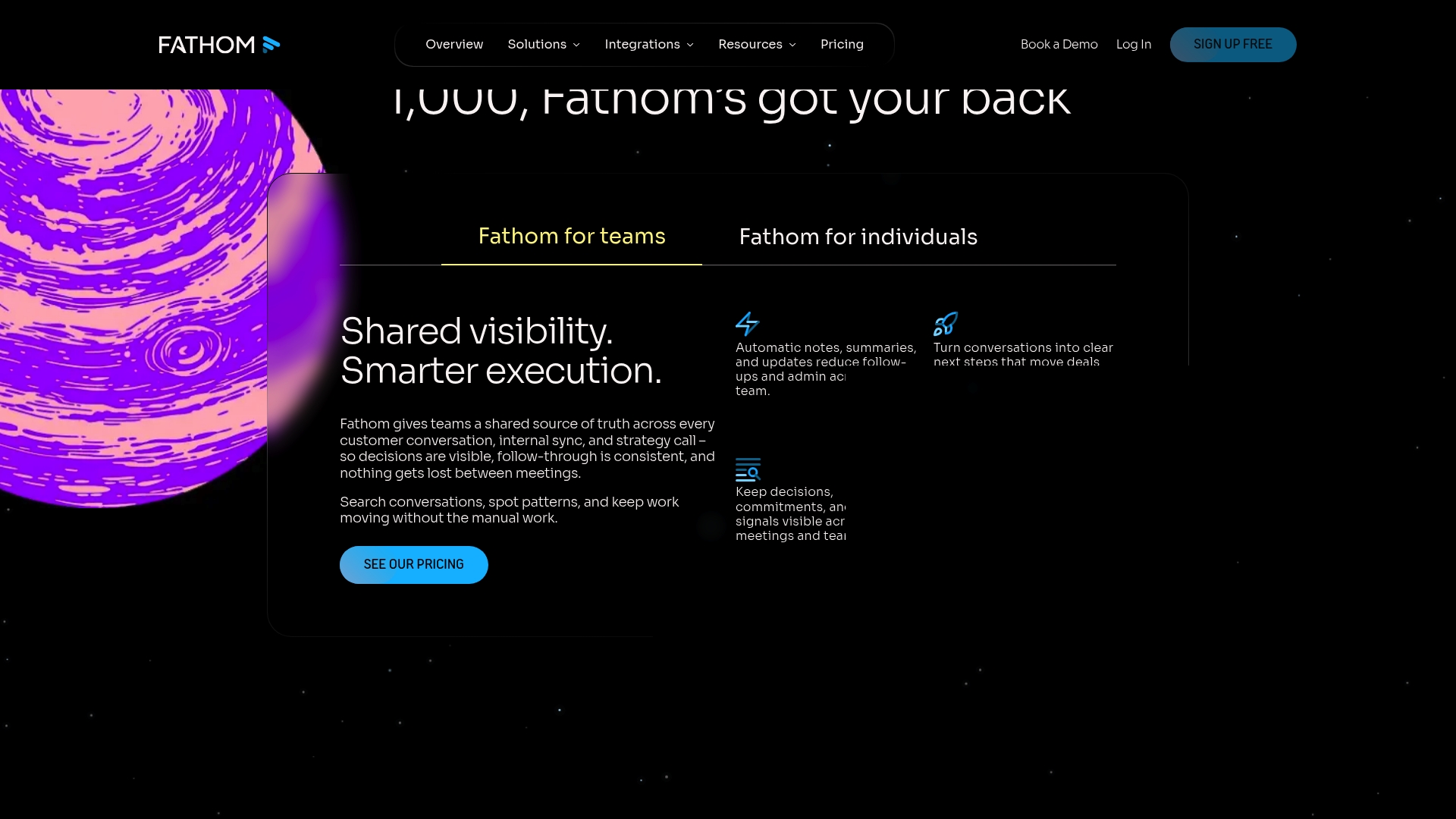
Fathom offers a free tier that includes unlimited recordings and summaries, which makes it easy for individuals to capture every meeting. The product pairs meeting capture with integrations into AI assistants such as ChatGPT and Claude for follow up and context. Fathom’s marketing materials state SOC 2, HIPAA, and GDPR compliance.
Core Features
Fathom records meetings with bot free capture options and produces speaker separated transcripts, summaries, and clear next steps. The platform pushes automated CRM updates, supports customizable summary templates, and surfaces real time alerts for flagged moments. Searchable transcripts and a public API let teams pull snippets into workflows and downstream reports.
Key Differentiator
Tight integrations with large language models let Fathom add contextual analysis to transcripts and summaries, not just verbatim notes. That integration makes it practical to ask a conversation AI follow up questions and generate stakeholder specific recaps you can paste into a CRM or send to a buyer.
Pros
Fathom produces concise summaries and next steps that cut the time teams spend on manual notes and follow up. Setup and the interface are straightforward, which helps sellers adopt it quickly without heavy admin overhead. The free plan and unlimited recording cap help small teams and individual reps start immediately. Security and compliance claims are prominent in the product messaging, which matters for regulated sales and healthcare accounts.
Cons
- No dedicated mobile app for recording in person. This forces field reps to rely on laptop or third party workarounds.
- Limited bulk export options. Analytics teams will need extra steps to extract large volumes of transcripts.
- Occasional calendar and CRM sync issues have been reported. That can cause missed auto recordings or duplicate events.
- Support response times can vary. Faster SLAs require an enterprise contract.
When It May Not Fit
If your team needs a native mobile recorder for in person discovery, Fathom will feel constrained. Large revenue operations that export raw transcripts in bulk for BI will also find the export limits restrictive. Organizations that cannot tolerate any calendar sync hiccups or need guaranteed support response times should budget for enterprise options.
Notable Integrations
Asana ChatGPT Claude HubSpot Salesforce Zapier Public API & MCP
Who It’s For
Fathom suits sales reps, customer success teams, and marketers who run many recorded calls and want automated summaries and CRM syncs. Individual contributors benefit from the free, unlimited recording tier. Teams that must meet HIPAA or GDPR controls will find the product messaging aligned with their needs.
Real World Use Case
A quota carrying rep records discovery calls and retrieves an AI summary with prioritized action items. The summary and key quotes push into HubSpot so an AE picks up the thread without replaying the full call. The team reduces manual note handoffs and shortens follow up cycles.
Pricing
A free plan is available. Paid plans start at $15/month per user for teams, with enterprise pricing and support options available on request.
Website: https://fathom.ai
Fireflies.ai
At a Glance
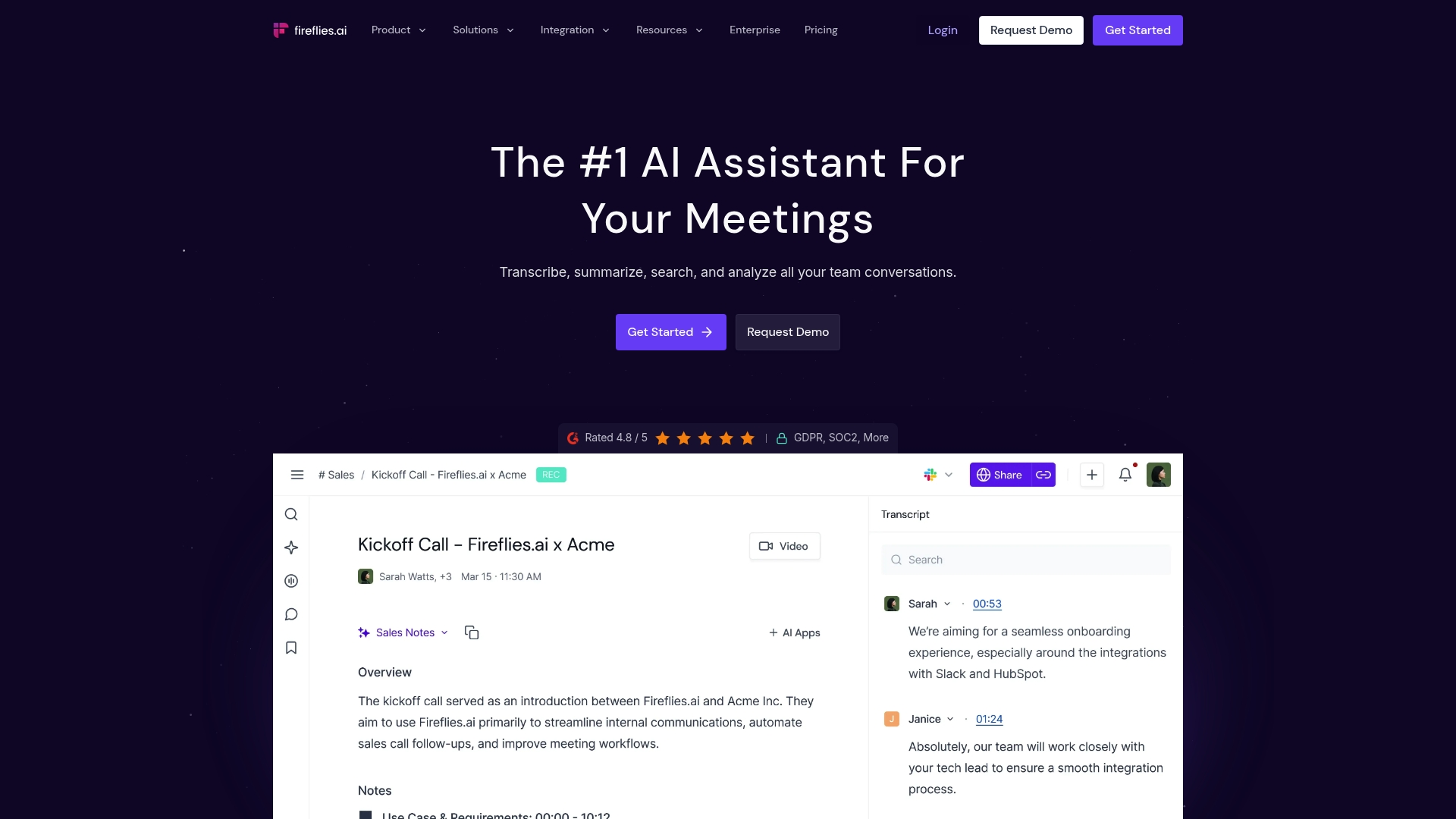
The vendor advertises 95% transcription accuracy and support for 100+ languages. According to the company, the assistant connects with over 100 apps and joins Zoom, Google Meet, and Microsoft Teams. The marketing materials state it meets enterprise security standards such as SOC 2, GDPR, and HIPAA compliance.
Core Features
Fireflies.ai records meetings and delivers real time transcripts with automatic speaker recognition and language detection. It generates AI summaries, action items, and follow ups while indexing every conversation for timestamped search. The platform also exposes meeting analytics to surface talk time and agenda coverage across sessions.
Key Differentiator
Fireflies.ai focuses on the meeting layer with broad platform hooks and searchable conversation history rather than owning the entire deal lifecycle. That focus makes it strong where teams need reliable transcripts, searchable meeting data, and meeting level analytics without adding demo trailers or post close handoff tools.
Pros
Automated meeting capture produces searchable transcripts and consolidated summaries that your team can reference for follow up. Integrations with calendar, conferencing, Slack, and major CRMs reduce manual uploads and keep notes in your workflow. The product also claims enterprise grade security and privacy controls, which matters for regulated teams and larger orgs.
Cons
-
Pricing tiers can feel complex and hard to map to seat counts and feature needs.
-
Bots sometimes join late or transcription lags when audio quality drops or multiple speakers overlap.
-
Customer support quality varies based on user reports, which can slow resolution.
-
Non English language accuracy can be uneven in noisy calls despite the language support claim.
When It May Not Fit
If you need a single workspace that owns demos, decision rooms, contract signing, and handoff, this product will feel narrow. Teams that require synchronized demo clips or buyer facing deal rooms will need a different tool. If you depend on flawless non English transcripts in noisy environments, plan for supplemental validation or editing.
Notable Integrations
-
Zoom
-
Google Meet
-
Microsoft Teams
-
Slack
-
Salesforce
-
HubSpot
-
Generic CRMs and API access for custom integrations
Who It’s For
Sales operations, recruiting, and product teams that need consistent meeting capture and searchable records will find value. Enterprises that must retain transcripts for compliance will appreciate the claimed security posture. Smaller teams that only want a lightweight recorder may prefer the free or Pro plans first.
Real World Use Case
A sales team uses Fireflies.ai to record client calls across Zoom and Teams, then pushes meeting summaries and action items into their CRM. Reps retrieve timestamped quotes for proposal drafts and handoffs, reducing follow up email chains and missed commitments. The platform acts as a shared memory for multi person deals.
Pricing
Plans include a free tier plus Pro at $10 per month per seat and Business at $19 per month per seat. Enterprise pricing is customized and billed annually for larger deployments and advanced compliance needs. Trial and seat based billing make it easy to test before committing enterprise wide.
Website: https://fireflies.ai
Comparing Conversation Intelligence Software
Selecting the right platform depends on meeting management needs, integration capabilities, and workflow support.
| Product | Key Differentiator | Best For | Pricing | Limitation |
|---|---|---|---|---|
| TrailerCast | Unified AI engine across stages | SMB and mid-market sales teams | $59 per seat/month annually | Advanced enterprise features require custom arrangements |
| Fathom | Contextual AI follow-up integrations | Individual contributors and teams | Free; paid plans from $15/month | No native mobile recorder for in-person meetings |
| Fireflies.ai | Broad platform meeting layer | Meeting capture and analytics | Free; paid plans $10–$19/month | Non-English transcription may be inaccurate in noisy environments |
What Holds Sales Teams Back After the Call
The core challenge behind “fathom vs fireflies” comparisons is that recording calls is only half the battle. Teams must keep the story alive between discovery, demo, and close. TrailerCast answers this by uniting conversation intelligence, AI-edited demo trailers, buyer-facing decision rooms, eSignature, and post-close handoff into one workspace. That single AI brain remembers every call, demo, message, and stakeholder interaction so nothing slips through the cracks.
You face the risk where the deal dies in an internal meeting you weren’t part of, or your champion struggles to explain complex demos to absent stakeholders. TrailerCast ends this by tracking engagement across a shared Decision Room and firing an AI Handoff Brief the moment a deal closes, giving Customer Success early context.
Learn how TrailerCast supports multi-stakeholder sales teams so you can keep control from the first call through to handoff. See how integrating calls, demos, and deals in one platform reduces lost context and speeds up closing and onboarding.
FAQ
What does TrailerCast offer for Customer Success teams?
TrailerCast sends an actionable handoff brief the instant a deal closes, ensuring Customer Success begins with the promised features and context. This feature reduces the rework for teams, converting signed deals into immediate operational tasks. Customer Success teams can expect a smoother onboarding process with less manual input required.
How does Fathom compare to TrailerCast in transcription capabilities?
Fathom delivers meeting capture with a free tier that includes unlimited recordings and summaries, making it easy for teams to capture every detail without cost. TrailerCast, while offering robust features, focuses on post-close tasks and AI-generated content rather than unlimited free recording options. Sales teams that prioritize extensive meeting capture may find Fathom’s free tier appealing.
What unique feature does TrailerCast provide at contract signing?
TrailerCast automatically fires an AI handoff brief upon contract signing to start post-close work with context. This ensures that all stakeholders are informed and that Customer Success teams have the necessary details to proceed. Teams seeking immediate operational triggers after signing will find this feature particularly useful.
Can I use Fathom for multi-stakeholder buying committee deals?
Fathom excels in providing automated summaries and CRM syncs ideal for individual contributors and smaller teams, but it may not have the expansive features needed for multi-stakeholder buying committees. In contrast, TrailerCast’s Decision Rooms enable comprehensive tracking and collaboration among multiple stakeholders, suiting larger teams better.
What security features does TrailerCast offer closer to compliance needs?
TrailerCast claims to support enterprise-grade security standards, enhancing data protection during the onboarding phase. This is crucial for teams working in regulated environments where compliance is necessary, especially when transitioning from other tools that may lack such robust security measures.